Print Tips28 Oct 2026
How to Prepare Your Design File
A few small checks that make your print sharper and save time before we start.
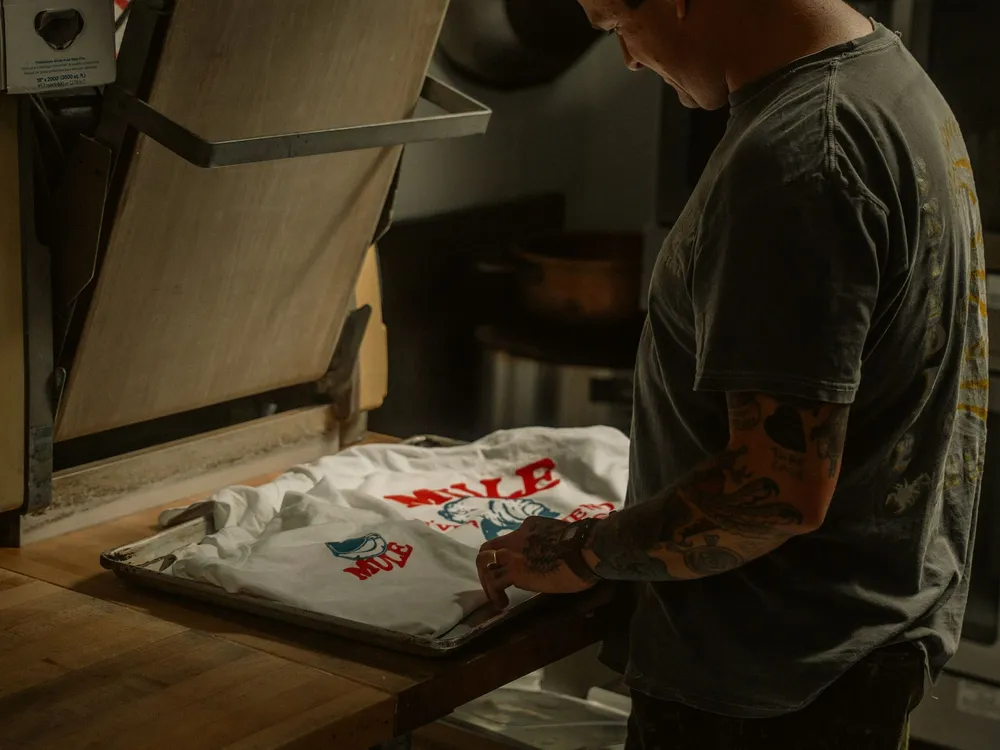
A good print starts with a good file. The good news is you do not need special software, just a few habits.
Use a high-resolution image. For most prints, a photo that is at least 2000 pixels on its longest side will look crisp. Screenshots and images saved from social media are often too small and can look blurry.
Send logos as PNG with a transparent background, or as a PDF or vector file if you have one. Keep text away from the edges, and avoid very thin lines on fabric.
If you only have a rough idea, that is fine too. Tell us what you want, and our team will help lay it out and send a preview for your approval.